

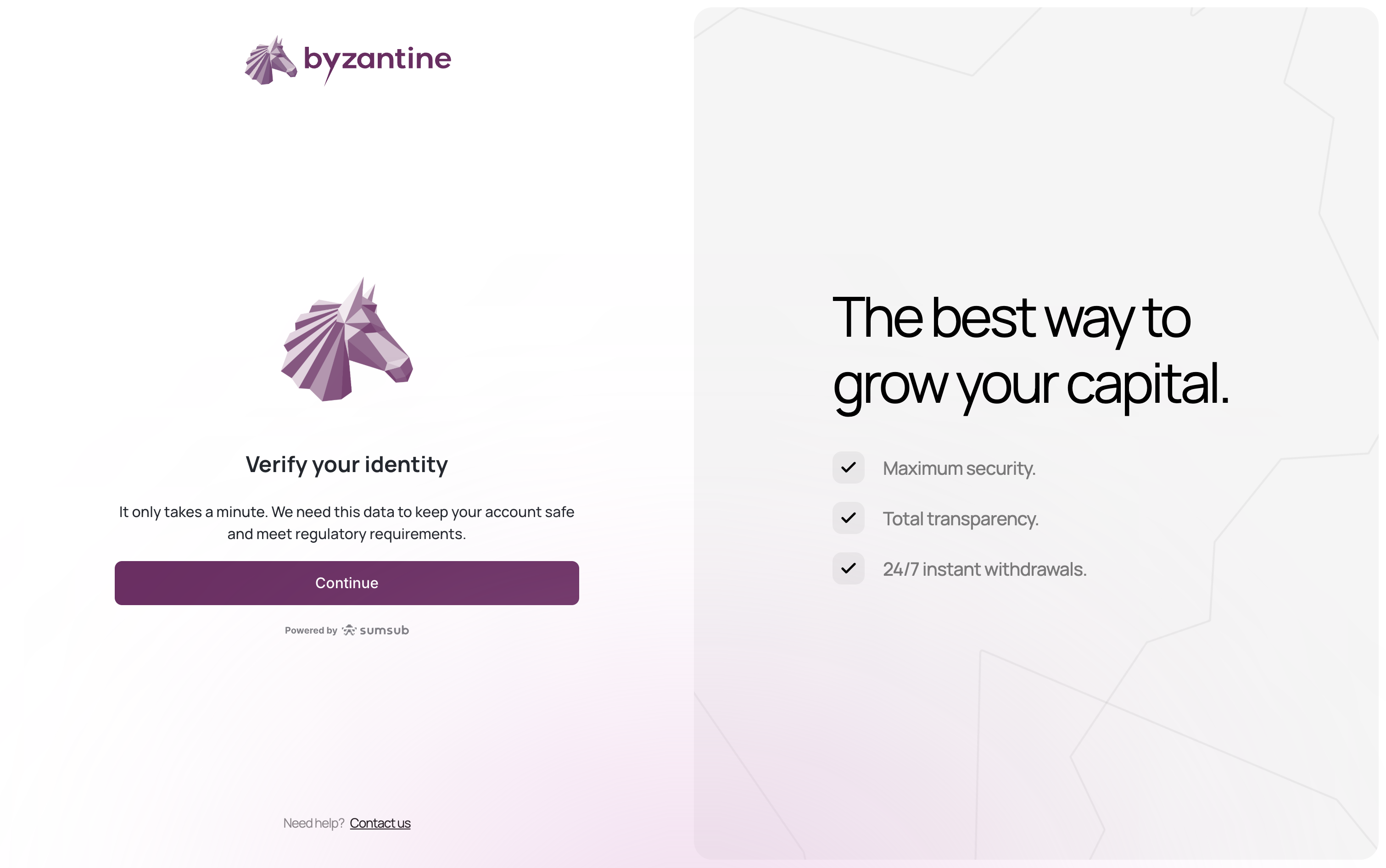
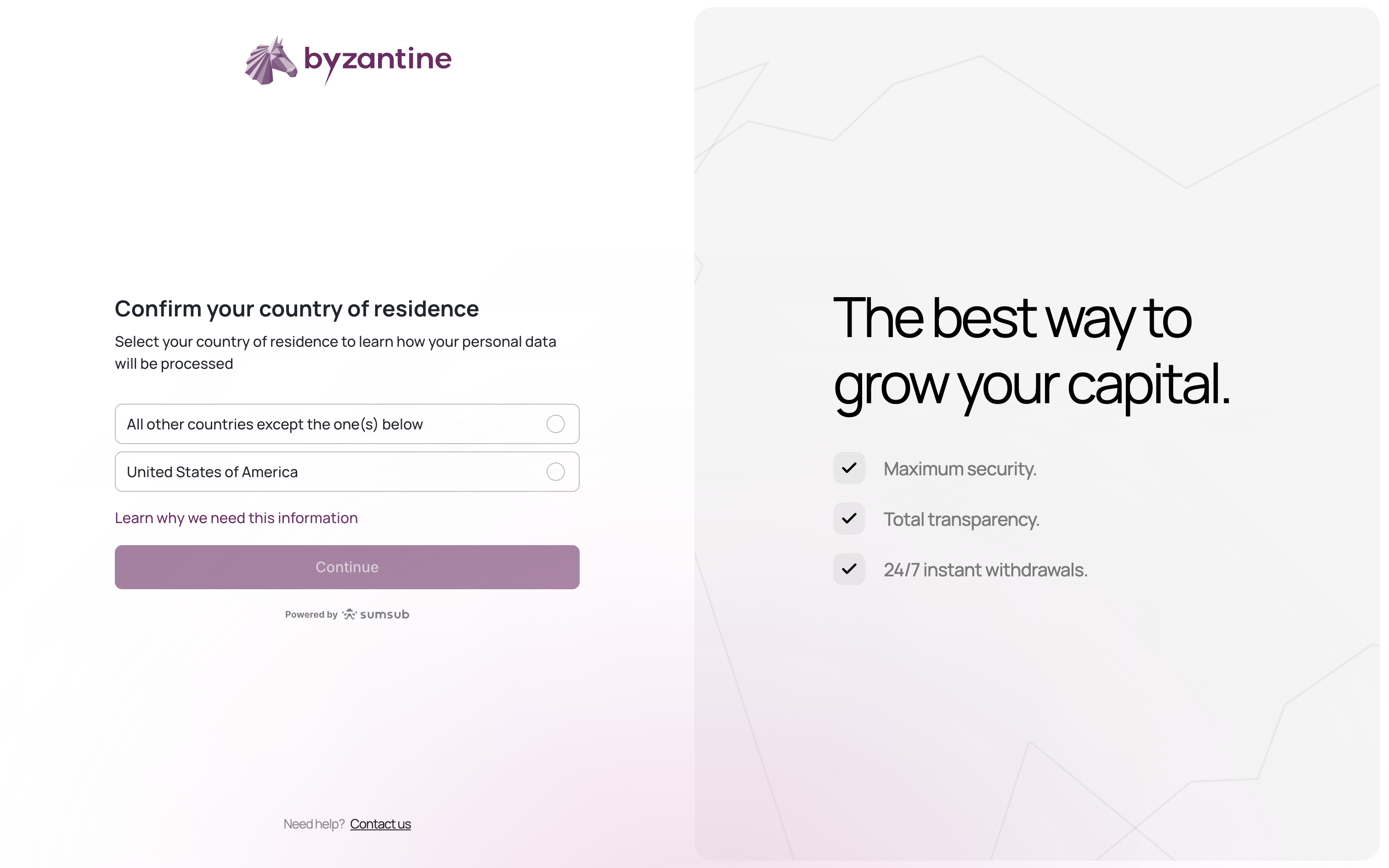
Step 1: Country of residence
Step 2: Find your company
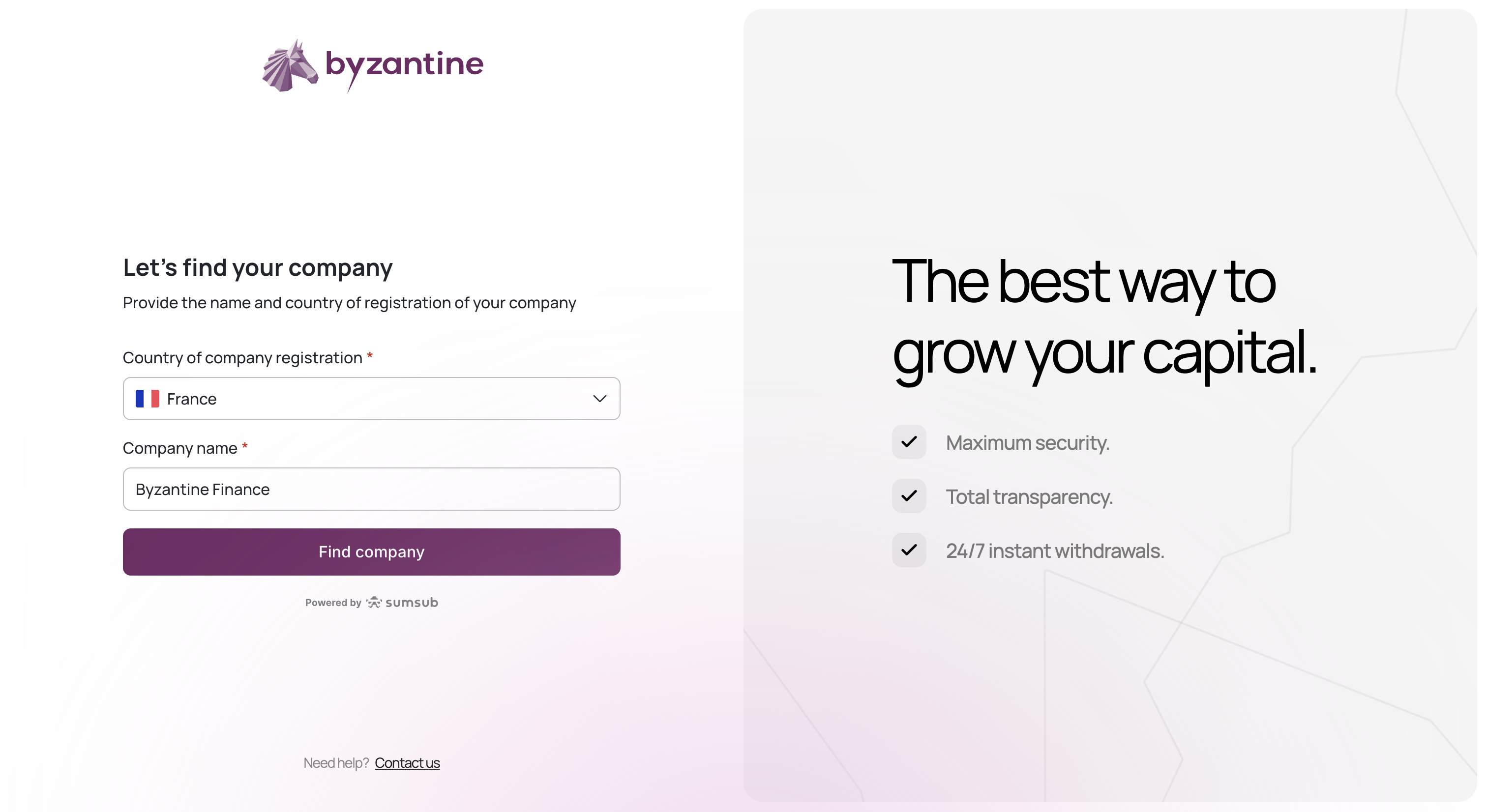
- Select France (or your country)
- Enter your company name (e.g., “Byzantine Finance”)
- Select your company from the results
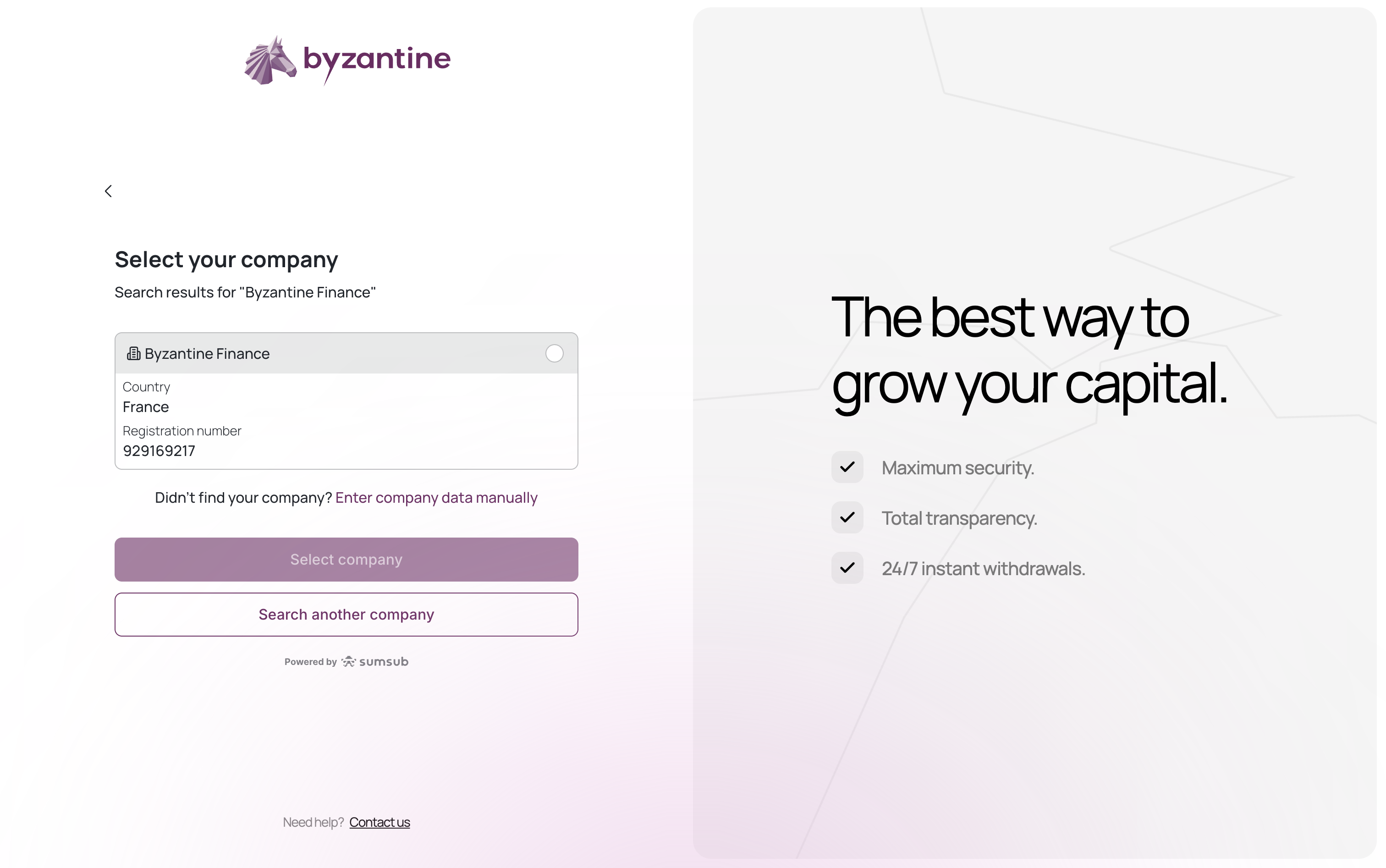
Byzantine automatically retrieves company information from official registries.
Step 3: Company information
.gif?s=f209ab1cedabd2fe253f135183d17521)
- Company name
- Entity type (SAS, SARL, etc.)
- Registration number (SIREN/SIRET for French entities)
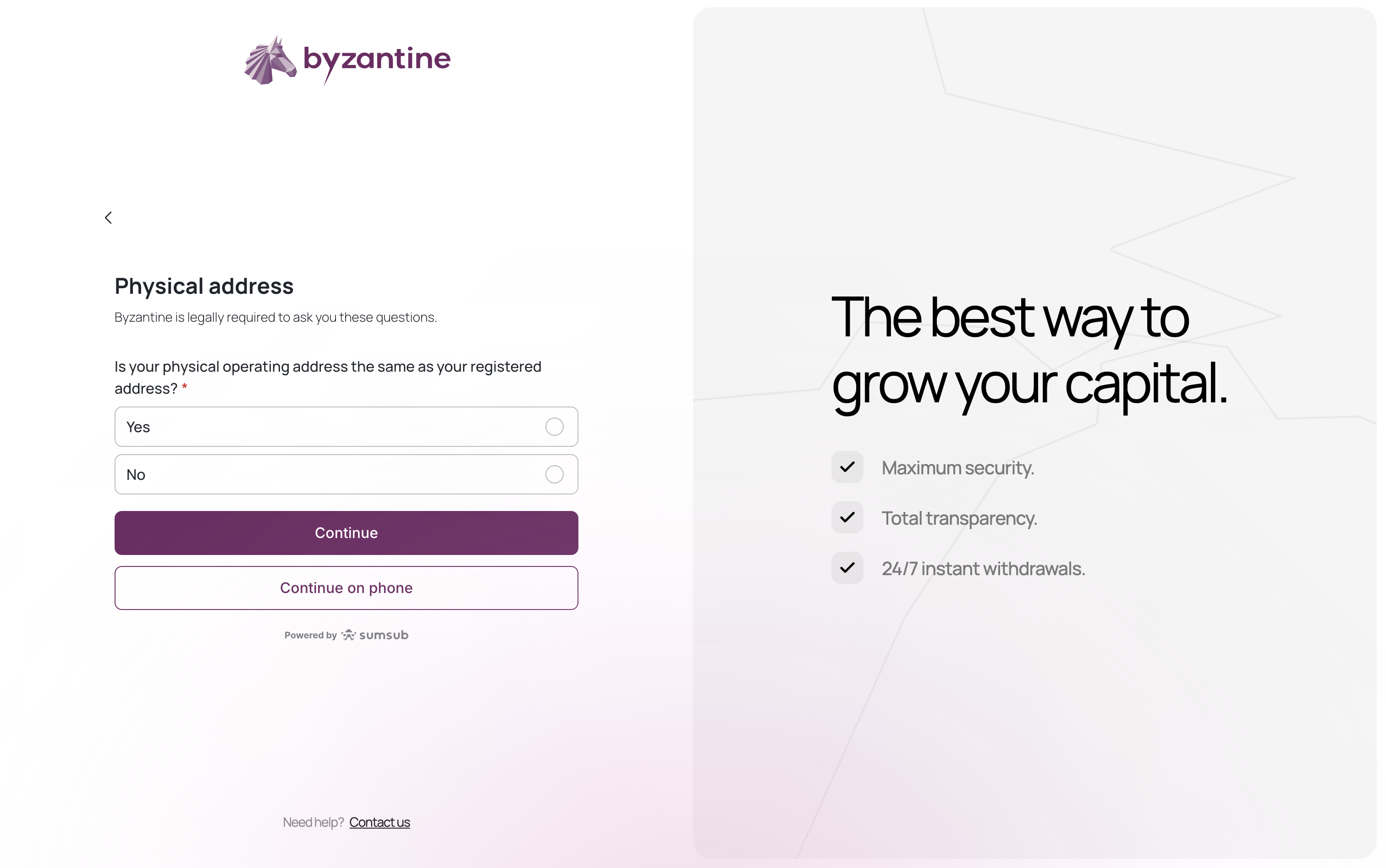
- Select “Yes” if your operating address is the same as your registered address
- Select “No” if your physical office is different (you’ll enter it manually)
- Address line
- City
- Post Code
- State
Step 4: Business financials
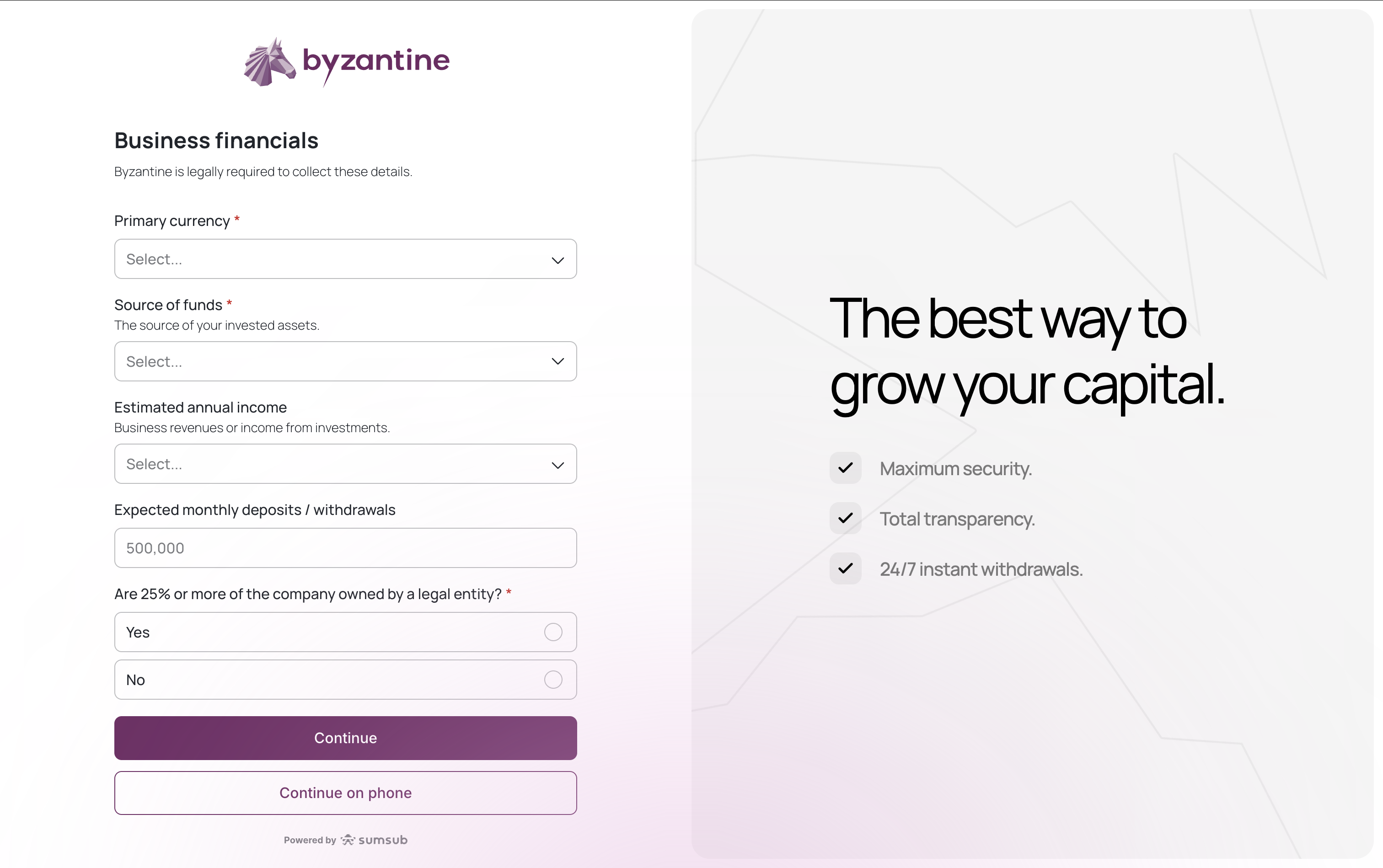
- Primary currency: Select EUR or USD (this is your preferred display currency)
- Source of funds: Select the origin of your invested assets:
- Business revenues or income from investments - For operating companies
- Third party funds - For fund managers or intermediaries
- Owner’s capital - For family office assets
- Savings - For personal investment vehicles
- Estimated annual income: Select your range (business revenues or investment income)
- Expected monthly deposits/withdrawals: Estimate your transaction volume
- 25%+ ownership by legal entity:
- Yes - If another company owns 25%+ of your entity
- No - If individuals own 100% (most family offices)
Step 5: Business activities
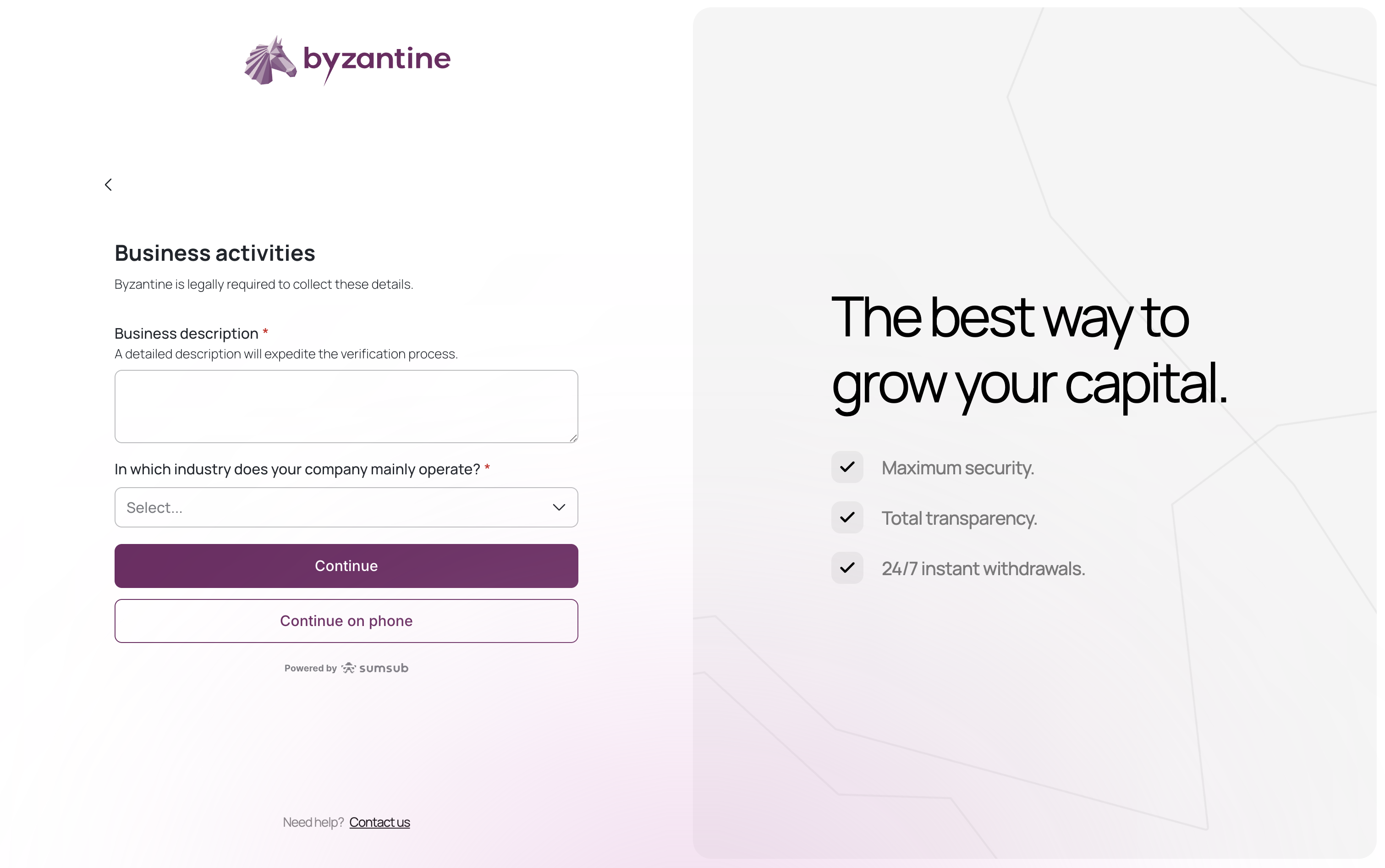
For holding companies/family offices:“Holding company managing family assets. No commercial activity.”
- For family offices: “Offices of other holding companies”
- For other structures: Choose your primary business sector
Step 6: Company documents
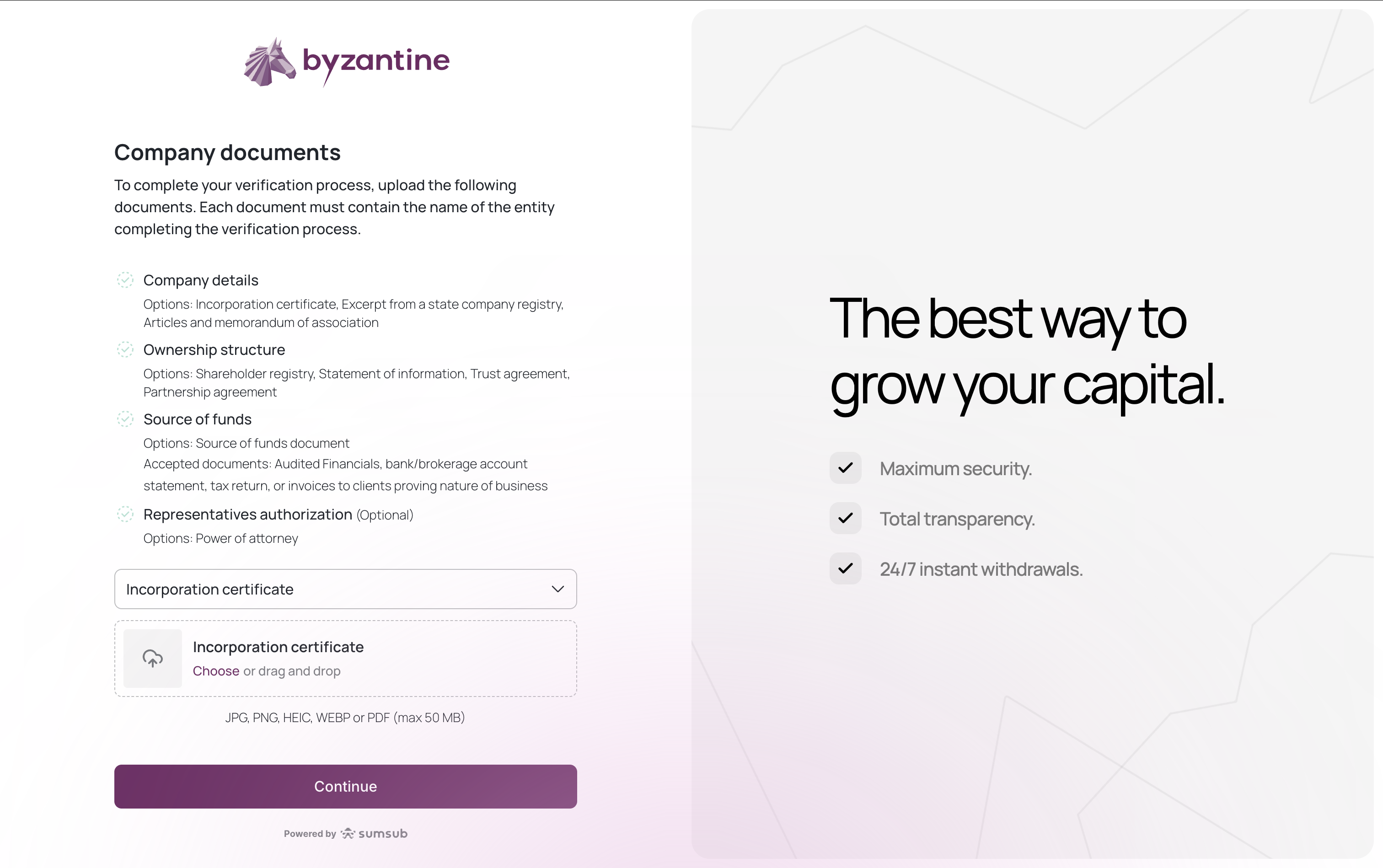
- Incorporation certificate
- Excerpt from a state company registry
- Articles and memorandum of association
- Shareholder registry or ownership chart
- Statement of information
- Trust agreement
- Partnership agreement
- Audited financials / end-of-year balance sheet
- Bank / brokerage account statement
- Tax returns
- Invoices to clients proving nature of business (for operating companies)
- Utility bill
- Lease agreement
- Bank statement
- Government or tax correspondence
- Power of attorney
Step 7: Service partners agreement
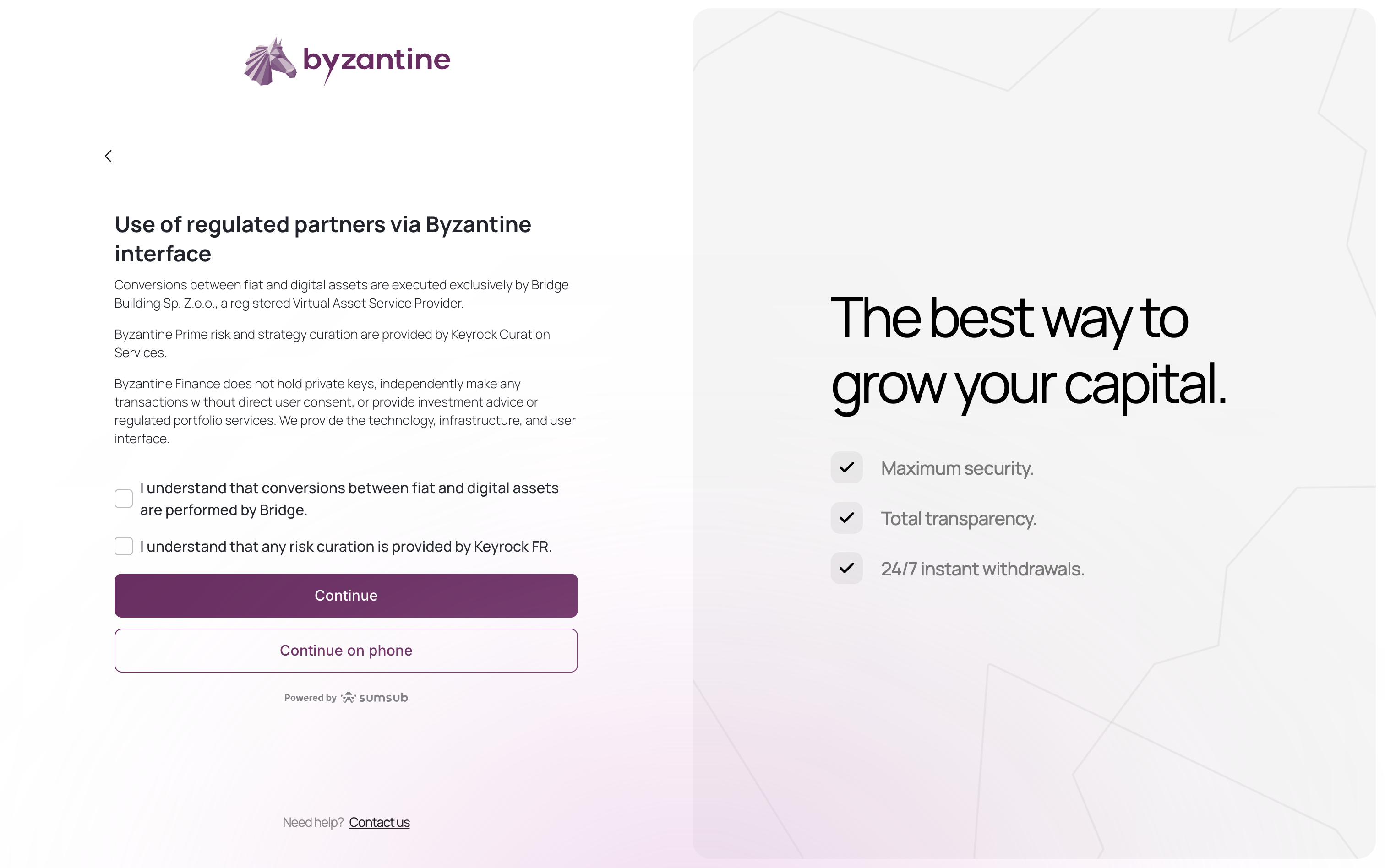
Important: Byzantine Finance does not hold private keys, make transactions without your consent, or provide investment advice. We provide technology and infrastructure only.
Step 8: Ultimate beneficial owners (UBOs)
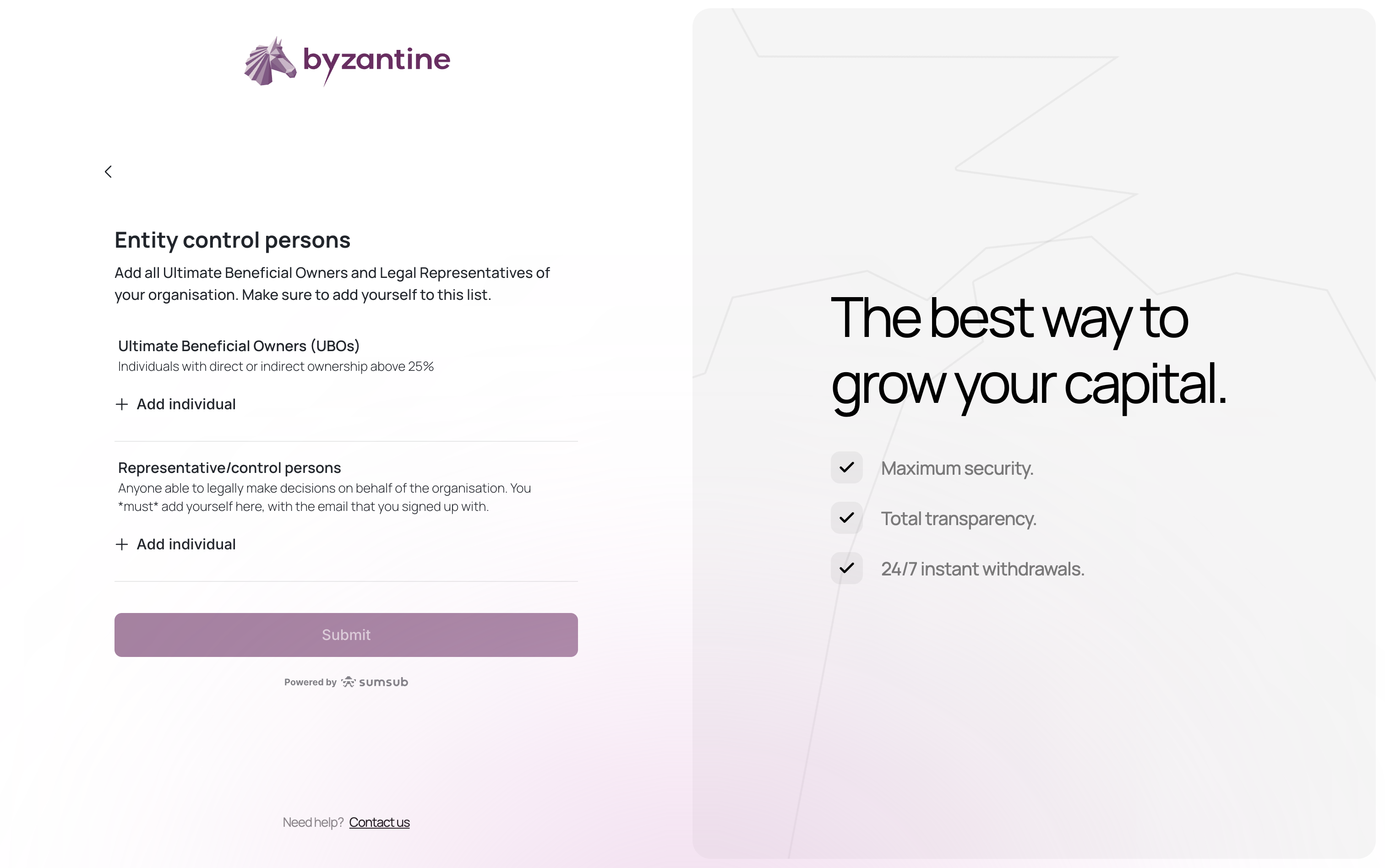
- UBOs (Ultimate Beneficial Owners): Individuals with 25%+ direct or indirect ownership
- Representative/control persons: Anyone who can legally make decisions for the company (must include the account creator)
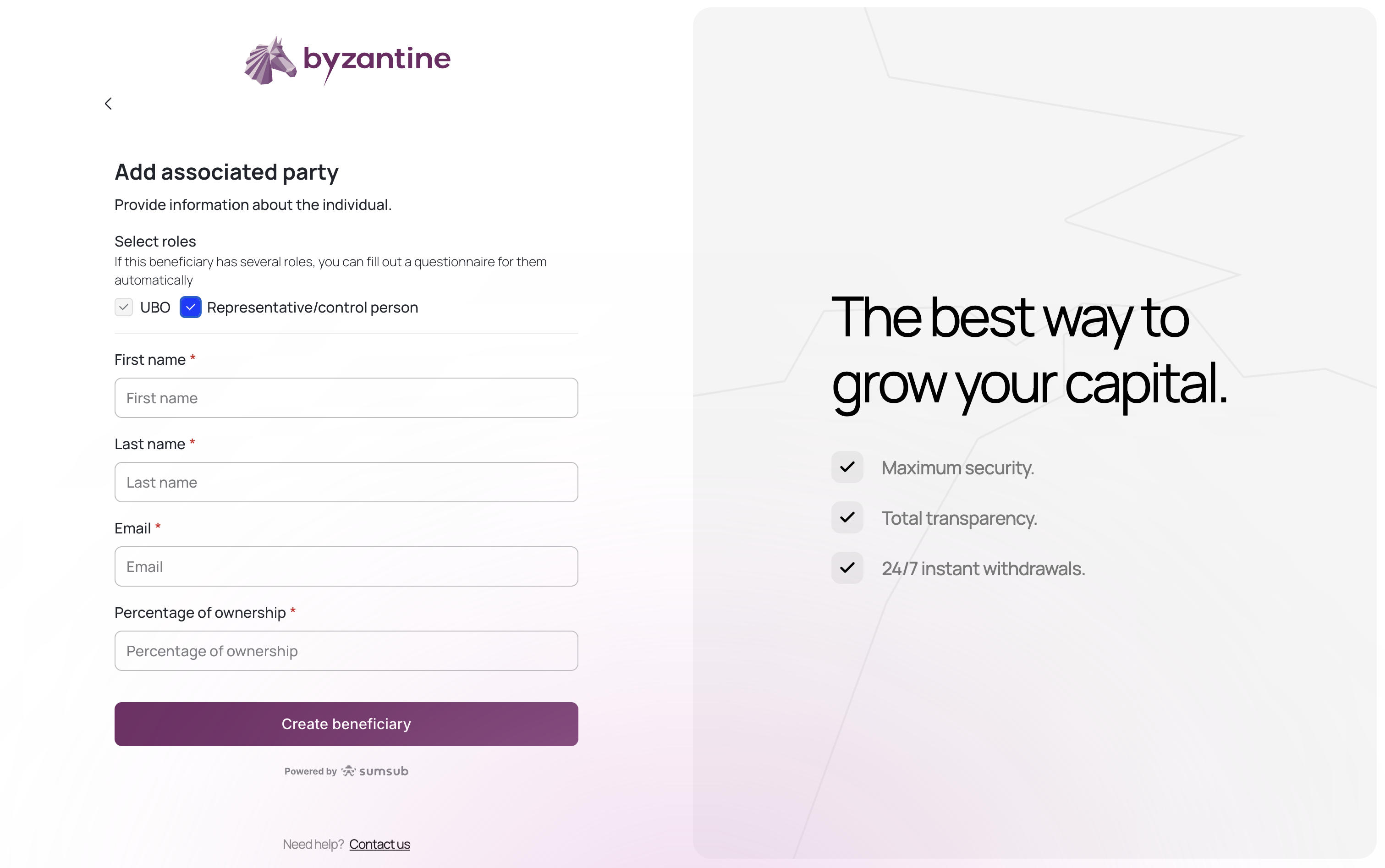
- Full name
- Email address
- Role (UBO or Representative)
- ❌ Wrong: “Holding Company A (25%)”
- ✅ Correct: “Jean Dupont (25% via Holding Company A)“
Step 9: Invite all associated persons to complete an individual verification
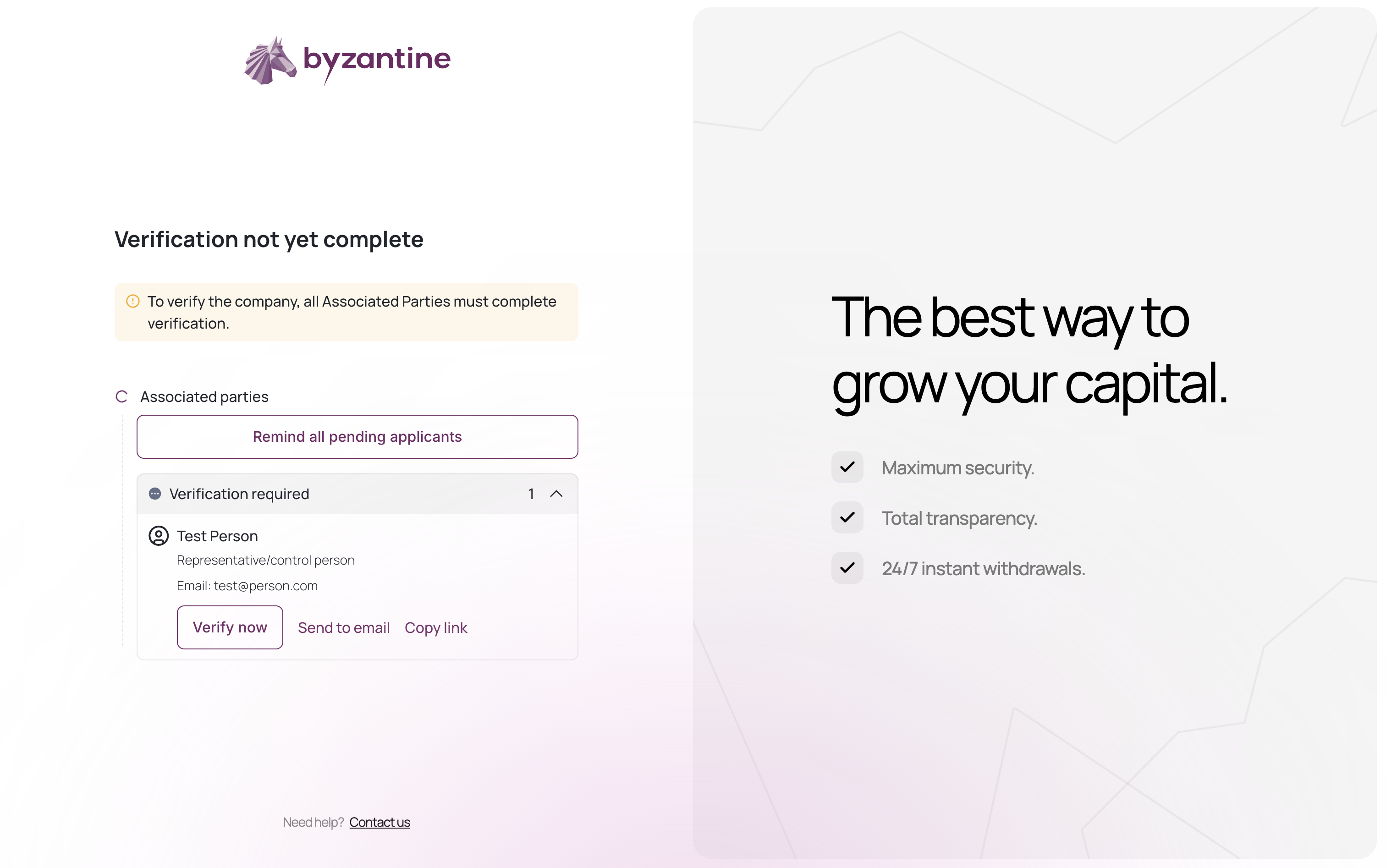
- Click “Verify now” if you are that person to start your KYC process immediately.
- Click “Send to email” to send this person an automated email inviting them to complete their KYC.